Innovative Ways to Use The Wheel of Names in the Music Class
Wheel of Names is a spinning wheel which you can customize in many ways. Yes, it can be used to randomly select students’ names for activities, but there’s so much more you can do!
Do you want to be notified when we do our next live webinar?
Our webinars are designed especially for music teachers and they are included in the Midnight Music Community membership. Once you join, you’ll get access to all past webinars, all future webinars AND to our extensive library of courses and lesson plans. A different tech topic is covered each month and there is an open Q & A session at the end where you can ask me anything music-tech related. A professional development certificate of attendance is provided.
What you'll get:
60-90 min online training plus Q&A time
professional development certificate of attendance
When is the next webinar?
We will add you to our weekly Midnight Music email list and you will be one of the first to hear about our upcoming webinars. We’ll also send our weekly newsletter with tips and resources.
register your interest
By submitting this form, you agree to receive emails from Midnight Music. Unsubscribe at any time. We value your privacy. Learn about our Privacy Policy.
Featured webinars for music teachers
Music Teachers - Organize Your Digital Life!
Let me guess…your computer desktop is littered with documents so you don’t lose them, you have files and folders stored all over the place, there are 17 tabs open in your browser and you STILL can’t find anything when you need it?
In this special online workshop we are going to triage your digital emergency state and work through a step-by-step process to improve the organization of ALL your multimedia resources whether they live in Google Drive, Microsoft OneDrive, Dropbox, your Mac or Windows computer or somewhere else entirely!
Having a few basic video editing skills in your repertoire can be incredibly useful. In this webinar, we’ll look at 5 simple skills music teachers can learn which will apply to any video editing software. Learn how to:
Add background music to a video
Remove audio from an existing video so your students can compose their own soundtrack
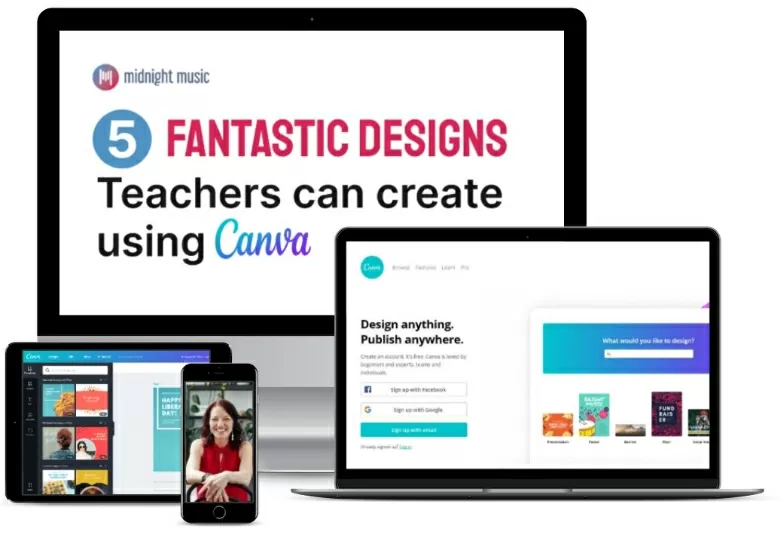
5 Fantastic Designs Teachers Can Create Using Canva
Looking for some inspiration when it comes to creative ways you can use Canva? Maybe you’ve heard about Canva and you’re wondering what all the fuss is about?
In this free webinar, we’ll look at 5 fantastic ways teachers can use Canva: from creating beautiful teaching materials or promotional posters with a twist, to motivational digital badges, quick, easy videos (yes, videos!) or GIFs. And you can do it all for free inside a Canva For Education account.