

Anybody else secretly love making fancy teaching resources?
I can’t speak for everyone else but I could honestly spend hours getting lost in creating classroom resources such as worksheets, posters, graphic organizers and anything else I can come up with!
Here are some examples of things I’ve been able to create using these tools!
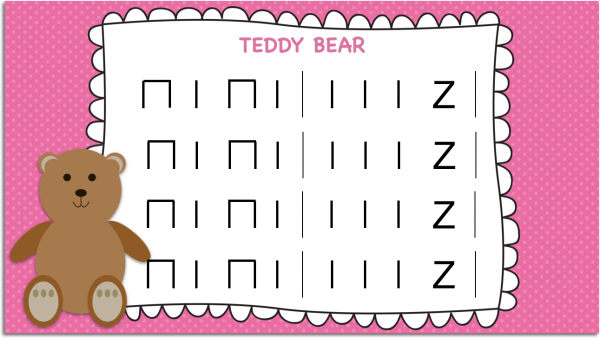
Teddy Bear stick notation
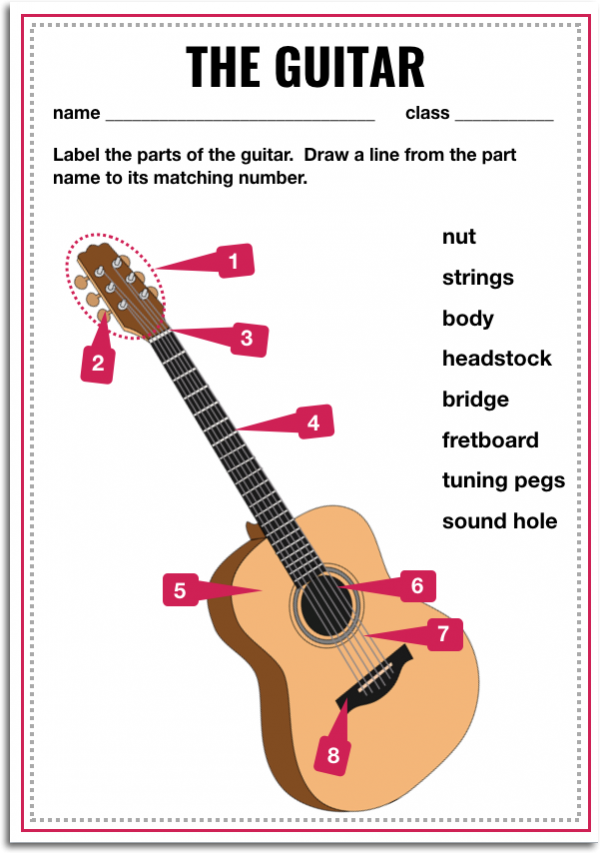
Cool, right?
The possibilities are truly endless for the classroom; you can even create resources WITH your students!
So, in this blog post, I thought it would be fun to share some of my top tools (both free and paid!) for designing classroom teaching resources specifically for teachers and how to make those TpT-style resources, worksheets, posters, interactive presentations.
1. PowerPoint/Keynote
You can never go wrong with good ol’ PowerPoint and Keynote!
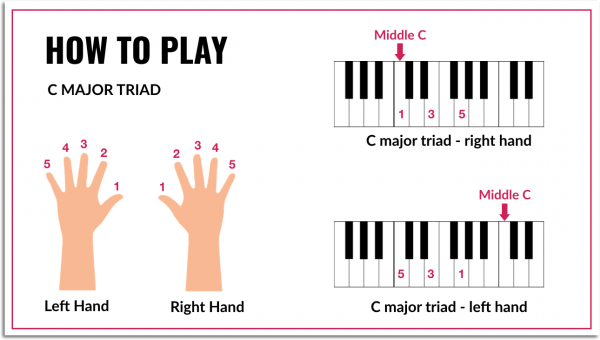
For example, here is something I created using Keynote/PowerPoint just a few months ago:
PowerPoint and Keynote have always been my personal fall back for creating teaching resources, because they offer a great selection of options as tools plus you can easily drag and drop any elements onto any part of your slide, which is not quite as easy in a Mac Pages or a Microsoft Word document.
Often times, with Pages or Word Documents, it can be very difficult to work with different elements and to get it looking exactly how you want it as there are a lot of in-built formatting settings for traditional text-based documents.
PowerPoint and Keynote give you that flexibility to really put any text boxes, clip art, icons, images, backgrounds — anything — anywhere that you want on the slide.
Then you simply export or save the slide as a .jpg, .png or PDF and you’re good to go!
I actually have a free online class where I walk you through how to create teaching resources as well that you can join by clicking HERE. You can also get a PD Certificate after you take the free class!
Here’s also a podcast episode I did a few months ago where I talk through how to create awesome teaching resources using PowerPoint, Keynote or Google Slides.
2. Google Slides
Google Slides is a fantastic option as well! It is essentially like PowerPoint or Keynote, but completely online. You don’t have to download any software or anything to your computer. You just open up Google Slides in your internet browser and you’re ready to go.
Google Slides will auto save your slide presentation and your designs every few seconds so you know that you will always have a safe copy online of your work that can be accessed from any computer or device as long as you have the link to the document.
It also allows you to collaborate with other teachers or students, in the same document in real time. When you make a change, they can see it live on their screens, too. So if you and your fellow teachers are thinking of working on a project together, Google Slides is a great way to go!
I love using Google Slides for anything ranging from presentations to graphics to TPT resources!
Here are some examples of things I’ve created in Google Slides:
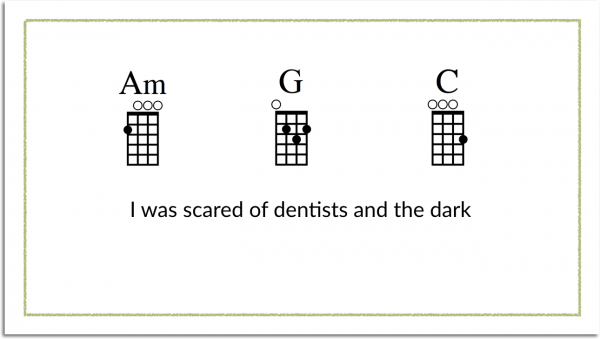
I even created some of my TPT resources’ cover pages using Google Slides! Here is an example of a template that I have set up in Google Slides:
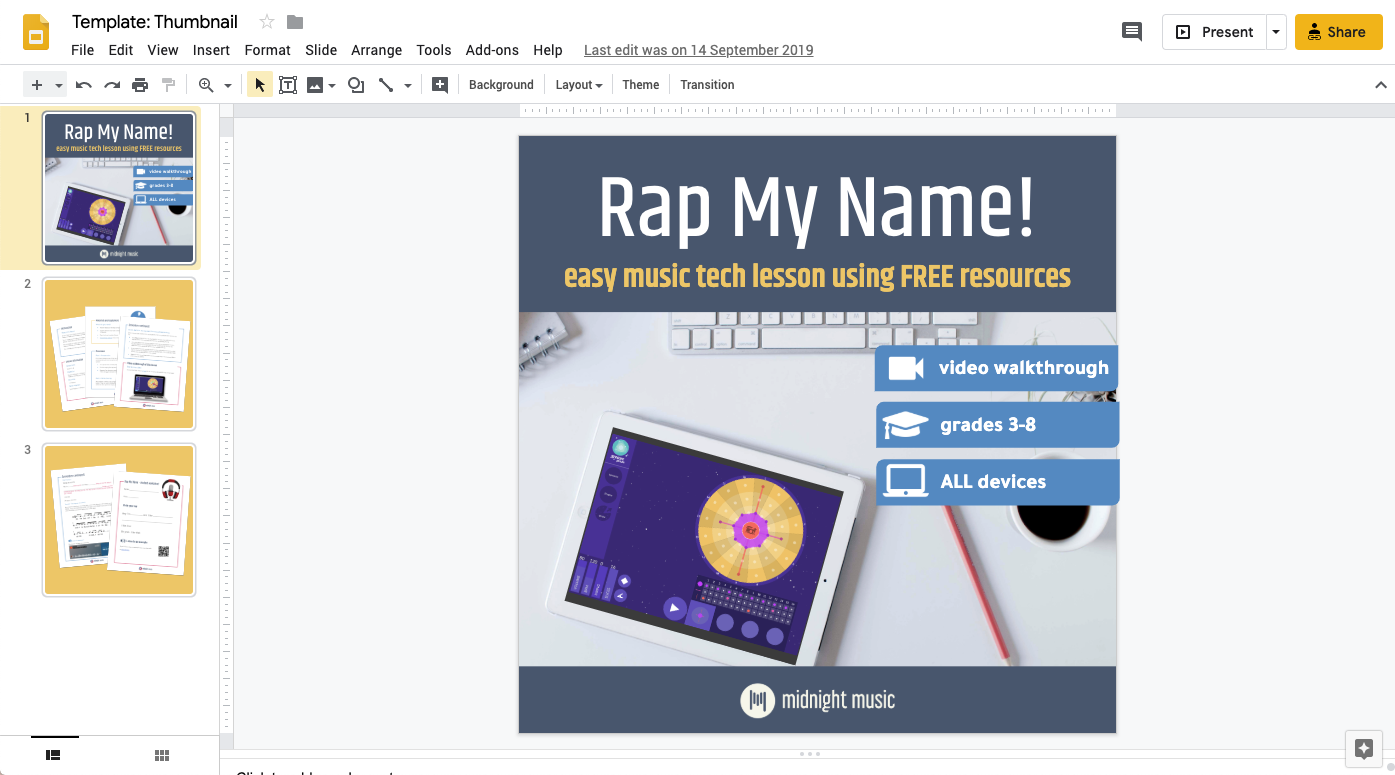
And if you want to grab this free lesson plan on TPT, you can find that here!
Here is some soundwave art that you can easily edit and finalize in Google Slides as well!
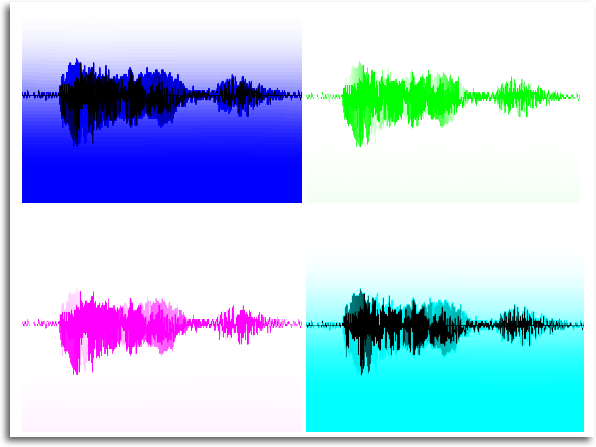
Here’s the blog post that walks through the details behind how to do create and customize your sound wave art.
If you’re interested in checking out Google Slides, you can head here to start a Google Slide document for free!
And one resource we love for incredible, FREE Google Slides templates is Slides Mania. You can check the website out and grab any of their beautifully-designed and free templates by clicking here.
3. Canva
Canva has become a recent absolute favorite of mine! Canva for Educators is now officially free for all educators which means you get access to all Canva Premium features for free.
Here are some things that I’ve easily created in Canva!
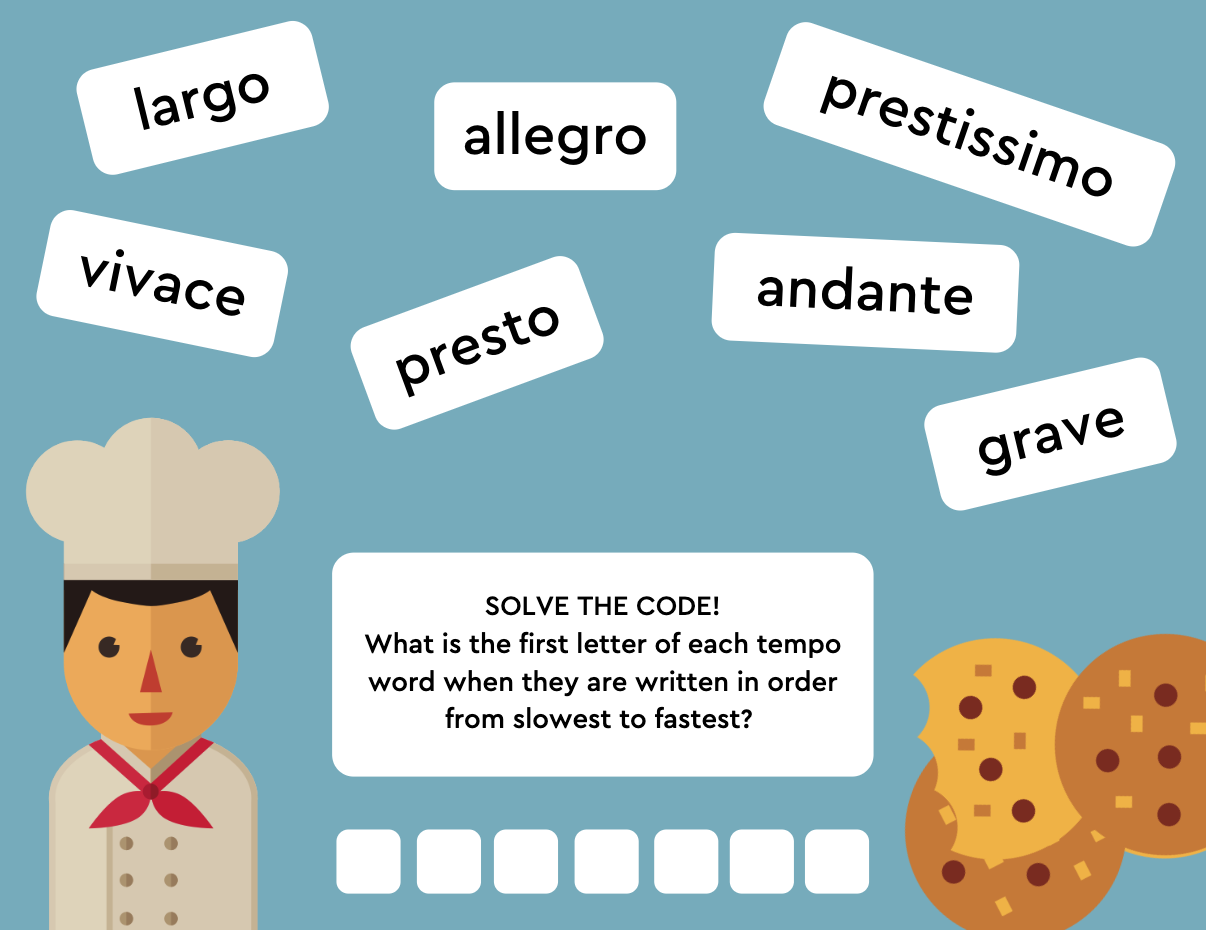
1. Graphics of any kind
This one is for an escape room puzzle for the music classroom. If you’re curious about how to set this up, check out this blog post where I go into more detail and share a live example!
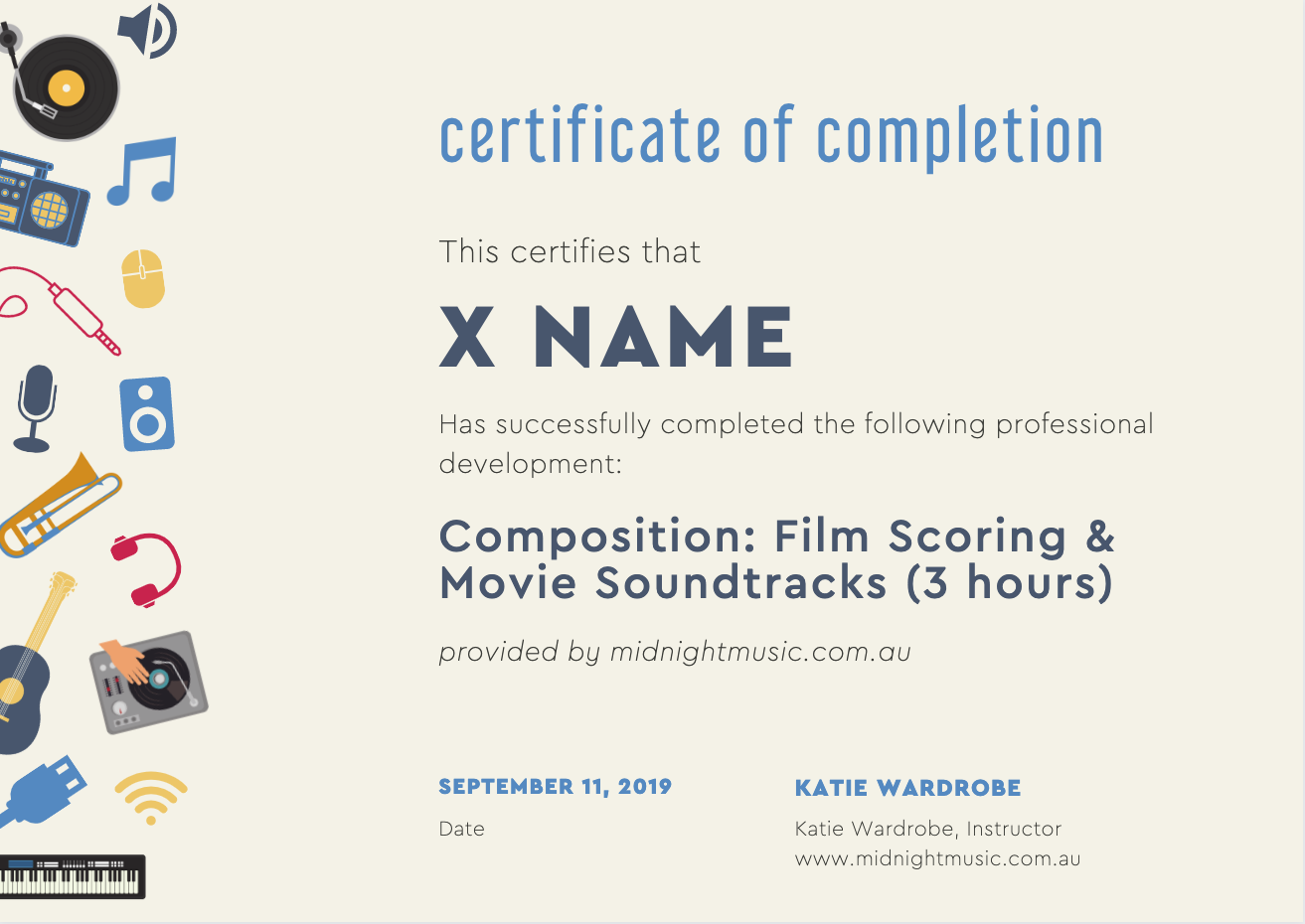
2. PD Certificates for our online music tech training courses
.
This fancy design was created ALL using Canva, working off of one of their templates!
(P.S. if you’re looking for tech training and PD certificates, you can check out all my free online trainings by clicking here!)
3. Gifs and QR codes
This one below is kind of Canva-ception because I created the QR code itself in Canva but then I ALSO created the gif to showcase the QR code in Canva… because yep — Canva is just that versatile and amazing.
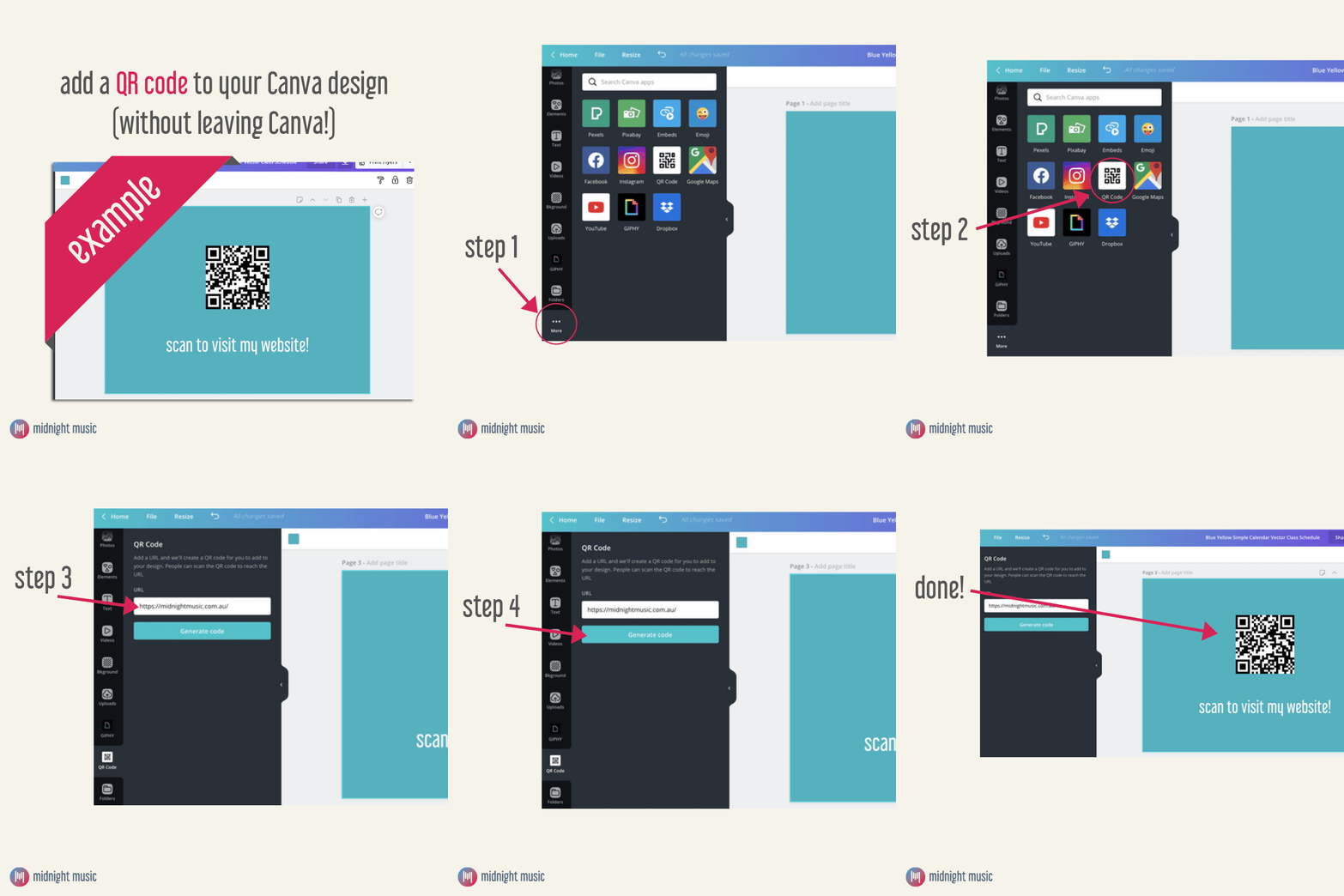
Not only is Canva super user-friendly and free to set up, it comes with an endless stream of templates for you to start off with.
I don’t know about you, but I love templates. Even if I don’t end up using the templates exactly as is, I still love using templates as the “foundation” as they act as great inspirational pieces for me to get started.
Canva offers templates for a long list of resources, but here are a few of my favorites for teachers creating classroom resources:
- Worksheets
- Posters
- Infographics
- Graphic organizers
- Videos, gifs and animations
- Presentations
- And the list goes on and on!
You can find the list of all templates they offer plus see some sneak peeks of available templates HERE.
Not only are the templates beautifully designed, they also allow you to easily recreate designs for multiple uses and multiple variations without much effort each time.
And I’ve just been so excited about the news that Canva Premium is now officially FREE for teachers and educators because the Premium features are truly amazing.
I’m so glad they’re now giving you all access to them for free!
Some of Canva’s top premium features include:
- Access to premium stock images, icons, videos for free – over 2 million of them!
- Access to tons of premium templates created by graphic designers that you can play with and tweak to your liking
Check out Canva for Education HERE.
And if you’re curious about using Canva… we may have something in the works! Sign up for the waitlist here to be notified of any updates to our newest resource for using Canva to make teaching resources for the classroom.
4. Adobe Spark for Education
Adobe Spark for Education is another handy tool for creating teaching resources that comes with over 20,000 templates ready-to-use templates!
Here’s a great explainer video that shows what Adobe Spark is and how it’s used in the classroom.
What I love is that they also have a ton of fantastic resources in their Education Exchange. It includes tons of examples of content created by both teachers and students as well as many resources, best practices, tips and mini-courses on how to best use Adobe Spark in your classroom!
There are several tools within the Adobe Spark for Education package, including:
- Adobe Page for creating websites
- Adobe Video for creating videos
- Adobe Post for creating simple graphics
You can find Adobe Spark for Education here.
Here are a few fantastic blog posts on getting started with Adobe Spark by a fellow Ed Tech teacher, Monica Burns:
- Quick Start Guide to Adobe Spark for Education
- 3 Ways Adobe Spark Promotes Creativity in the Classroom
- Adobe Spark Activities for Elementary Students
5. PicMonkey
PicMonkey is another great tool, but this is a paid option.
It comes with a free 7-day trial so you can test out whether it’s a good tool for your needs, but the basic plans start at around $8 per month.
With PicMonkey, you can design graphics and edit any photos you’d like. They also have a whole range of templates for you to pick from as well as collaboration features so you can share your files and work on the same file together.
Here’s a 5-minute video that shows you a look into what PicMonkey is like, what you can do with it and how it works!
You can check out PicMonkey here.
Download your copy
Would you like to take a copy of this with you? Click the button below and a copy of this will be sent directly into your inbox.
Want more help with creating beautiful teaching resources?
Be the first to join my brand new course…“Create Beautiful Teaching Resources, Fast” Online Course!
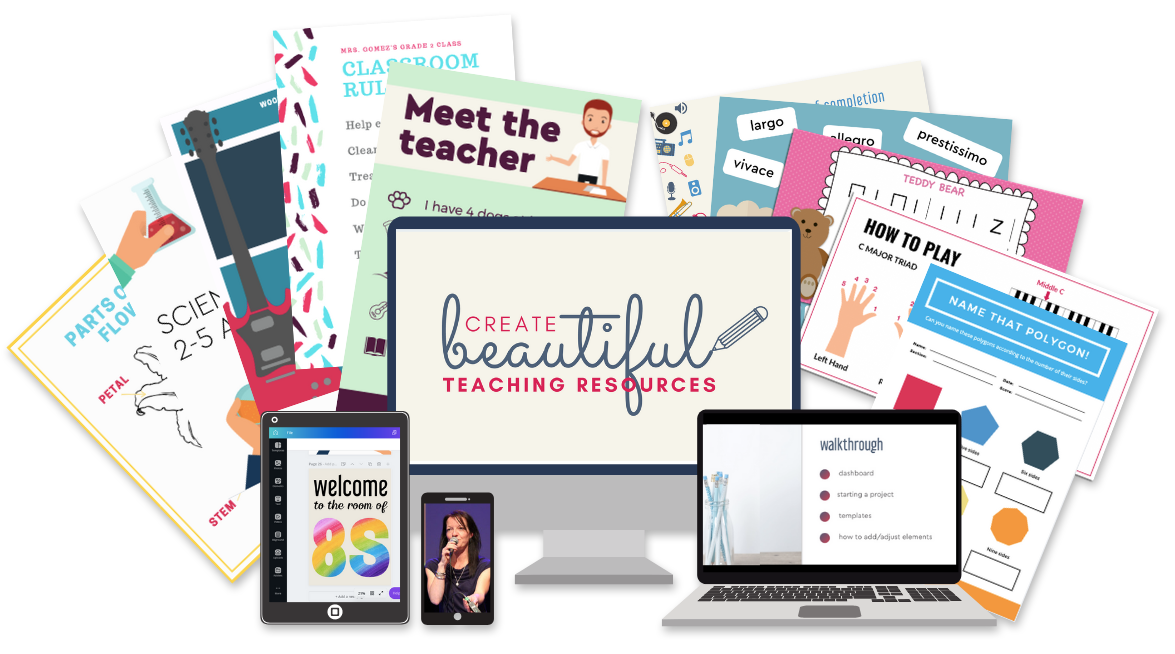
Create Beautiful Teaching Resources, Fast is an online, self-paced course for teachers who want to create amazing resources for their classroom.
In this course, you will go from feeling overwhelmed, time-poor and lacking ideas to feeling like a smart, savvy designer who can quickly make custom teaching resources that are worthy of selling on Teachers Pay Teachers.
The Waitlist will get first access to join the course PLUS a special bonus upon joining the program! Join the waitlist to get exclusive, priority access.


![Emoji Quiz_ Holiday Songs [New Update!]](https://midnightmusic.com/wp-content/webp-express/webp-images/uploads/2019/12/Emoji-Quiz_-Holiday-Songs-New-Update.png.webp)
One Comment
This was so helpful! Thank you!