
Podcast: Play in new window | Download (Duration: 22:50 — 31.5MB) | Embed
Subscribe: Apple Podcasts | Spotify | Youtube Music | RSS | More
In this episode of the Music Tech Teacher Podcast, we’re talking about Canva, the online graphic design tool, and how to use it to create beautiful teaching resources for your classroom.
Links and resources
- Join the waitlist: “Create Beautiful Teaching Resources, Fast” Online Course
- 25+ Ways to Use Canva to Create Teaching Resources
- 8 Creative Canva Projects You Can Do WITH Your Students in the Classroom
- 9 Cool Canva Tricks for Designing Teaching Resources For Educators
- Sign up for a Canva education account
- Canva Design School
- Canva Teachers Community Facebook Group
- Sign up to join our monthly live training sessions
Bushfire Relief donations
Leave a podcast review
I would so appreciate it if you could leave a review. Here are some instructions.
Want more help with creating beautiful teaching resources?
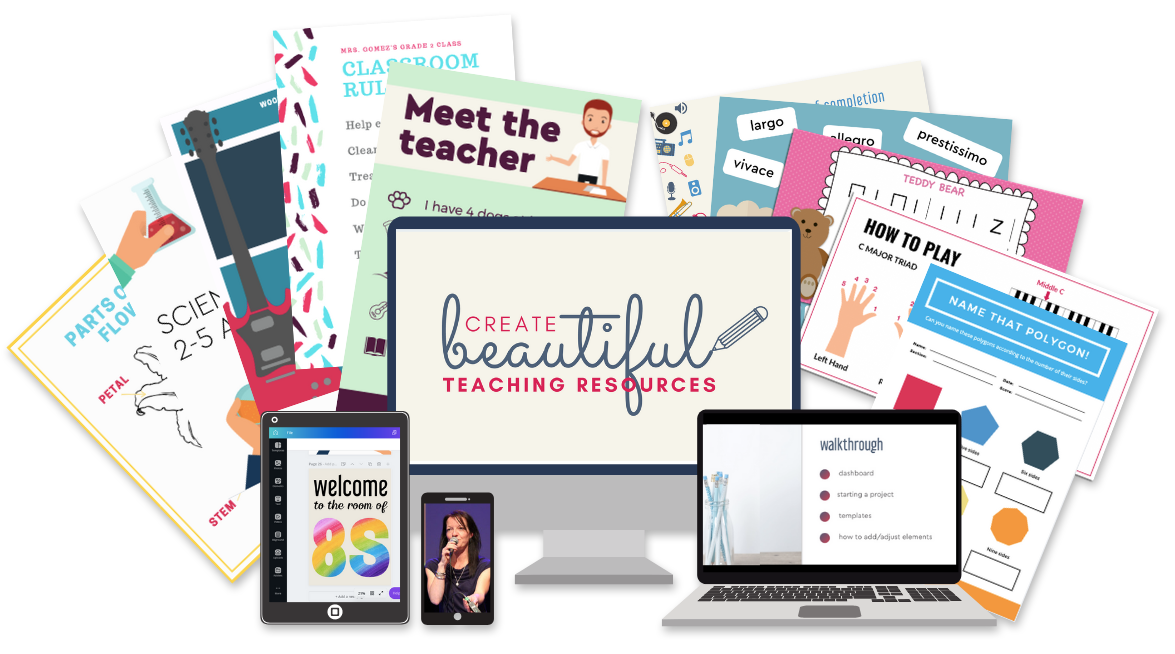
Be the first to join my brand new course…“Create Beautiful Teaching Resources, Fast” Online Course!
Create Beautiful Teaching Resources, Fast is an online, self-paced course for teachers who want to create amazing resources for their classroom.
In this course, you will go from feeling overwhelmed, time-poor and lacking ideas to feeling like a smart, savvy designer who can quickly make custom teaching resources that are worthy of selling on Teachers Pay Teachers.
The Waitlist will get first access to join the course PLUS a special bonus upon joining the program! Join the waitlist to get exclusive, priority access.