

“Hidden” features and ninja tricks
Last year I was asked by Avid – the company behind Sibelius notation – to create a series of videos for educators. Educators and their students have specific needs which are at times different to those of the composers and arrangers that use the software. The video series delves into some of my favourite “hidden” features and ninja tricks that are especially useful for educators.
New to Sibelius and need to start with the basics of score setup and note input? There is a companion video series created by Philip Rothman here that can help you with that.
Part 1: Organise, Analyse and Collaborate
The first video in the series looks at how students and teachers can mark up scores with comments and highlights and we also cover how to analyse a score using the Timeline feature.
Free downloadable Sibelius shortcuts list
Download a handy Sibelius shortcuts list that will help you and your students work more efficiently. Click on the button below to download a copy of the shortcuts. It will be sent straight to your email inbox.
Other parts in this series
- Part 1 Organise, Analyse and Collaborate (you are here)
- Part 2 The Automatic Compositional Diary
- Part 3 Creating Quality Audio Files and Backing Tracks
- Part 4 All About Graphics
- Part 5 The Digital Notation Scrapbook
Want more resources for music tech teachers?
Hello! I’m Katie Argyle – an Australian music technology trainer and consultant with a passion for helping music teachers through my business Midnight Music. Yes – I’m a qualified teacher but I don’t currently teach in a school. I help teachers through the Midnight Music Membership Community– a go-to online hub for tech-focussed professional development.
The Midnight Music Membership Community features:
- step-by-step training
- world-class online courses
- bite-sized learning through digital badges
- creative lesson ideas
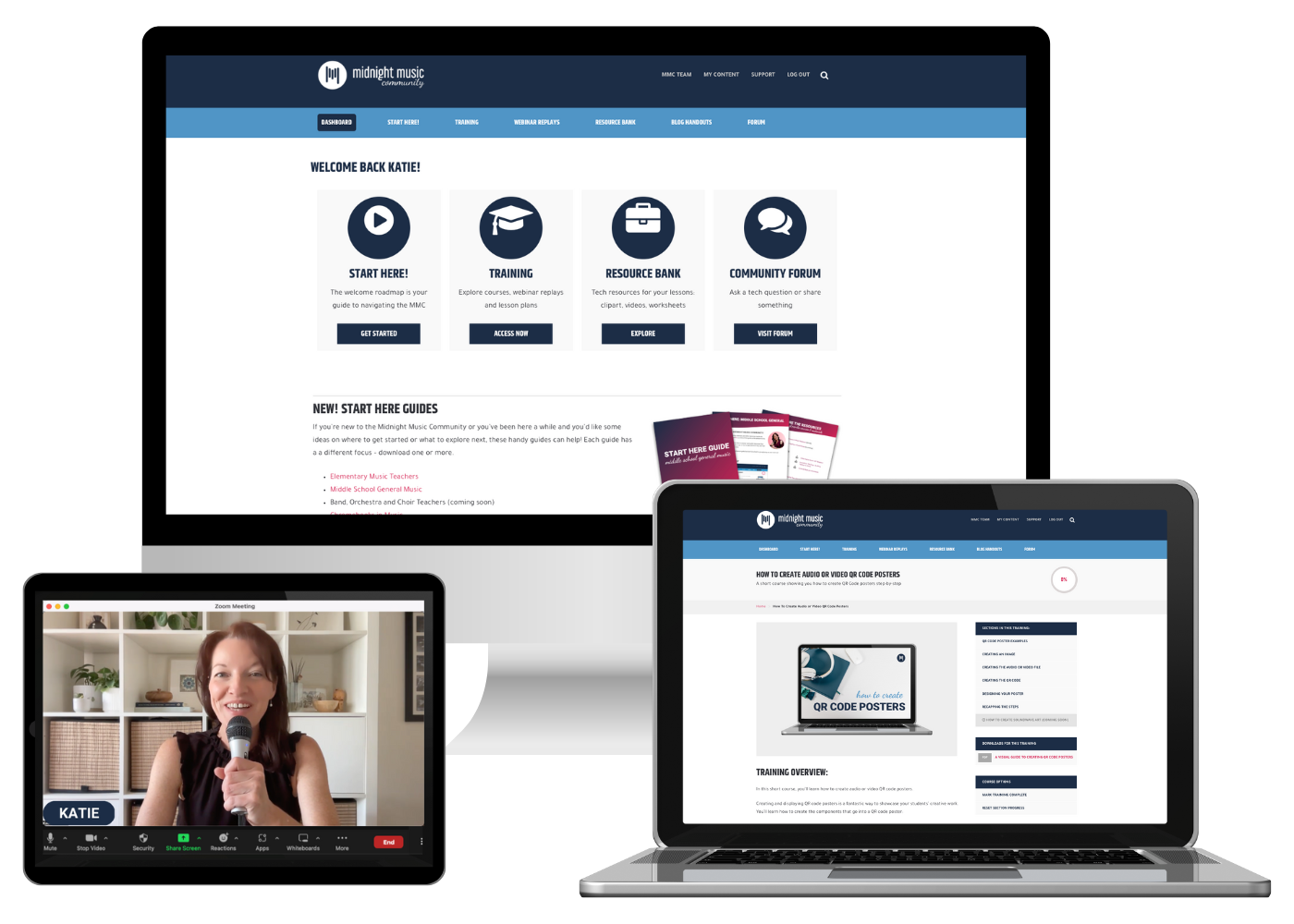
It’s designed for teachers of all skill levels – from self-proclaimed ‘technophobes’ to intermediate and advanced tech users. You’ll learn how to integrate technology into your music teaching without the stress, so you can boost classroom outcomes, engage your students on a deeper level, and inspire a lifelong love of music!
If you want simple, effective ideas for using technology in music education, I would LOVE to help you inside the Midnight Music Community.


![Emoji Quiz_ Holiday Songs [New Update!]](https://midnightmusic.com/wp-content/webp-express/webp-images/uploads/2019/12/Emoji-Quiz_-Holiday-Songs-New-Update.png.webp)