

Sibelius tutorials for educators (continued)
This is the fifth part in a series of posts that feature Sibelius tutorial videos that I created especially for educators. You can links to the other parts at the bottom of this post.
Part 5: The Digital Notation Scrapbook
The fifth episode covers the Sibelius Ideas feature in which there are over 2,000 ideas, or snippets of music notation. They are effectively loops, similar to those found in music sequencing and recording programs. The Ideas window can be used as a digital notation scrapbook to find, save and reuse existing or original snippets of music. It’s also a great place to store short musical phrases – such as drum patterns – that you use over and over again across multiple scores. As a teacher, you can use Ideas to easily set up score templates that contain a palette of musical ideas for your students to work with.
- What is the Ideas Window
- Exploring the existing Ideas
- Auditioning Ideas
- Using Ideas in your score
- Capturing your own ideas and saving to the Ideas Panel
- Ideas info and keywords used to help find Ideas that you have saved
- Editing the music in Ideas
- Accessing your Ideas across all scores
- Tips for educators
More Get Started Fast videos for educators
In addition to the 5 videos that have been featured in this series of blog posts, there are three additional videos Get Started Fast with Sibelius for Educators:
- Part 6 Distribute Audio Recordings, Video and Receive Student Scores
- Part 7 Working with Sibelius in the Classroom
- Part 8 Auralia and Musition
Free downloadable Sibelius Ideas tips
Download a free guide to using the Sibelius Ideas feature. Click on the button below to receive a copy of the download. It will be sent straight to your email inbox.
Other parts in this series
- Part 1 Organise, Analyse and Collaborate
- Part 2 The Automatic Compositional Diary
- Part 3 Creating Quality Audio Files and Backing Tracks
- Part 4 All About Graphics
- Part 5 The Digital Notation Scrapbook(you are here)
Want more resources for music tech teachers?
Hello! I’m Katie Argyle – an Australian music technology trainer and consultant with a passion for helping music teachers through my business Midnight Music. Yes – I’m a qualified teacher but I don’t currently teach in a school. I help teachers through the Midnight Music Membership Community– a go-to online hub for tech-focussed professional development.
The Midnight Music Membership Community features:
- step-by-step training
- world-class online courses
- bite-sized learning through digital badges
- creative lesson ideas
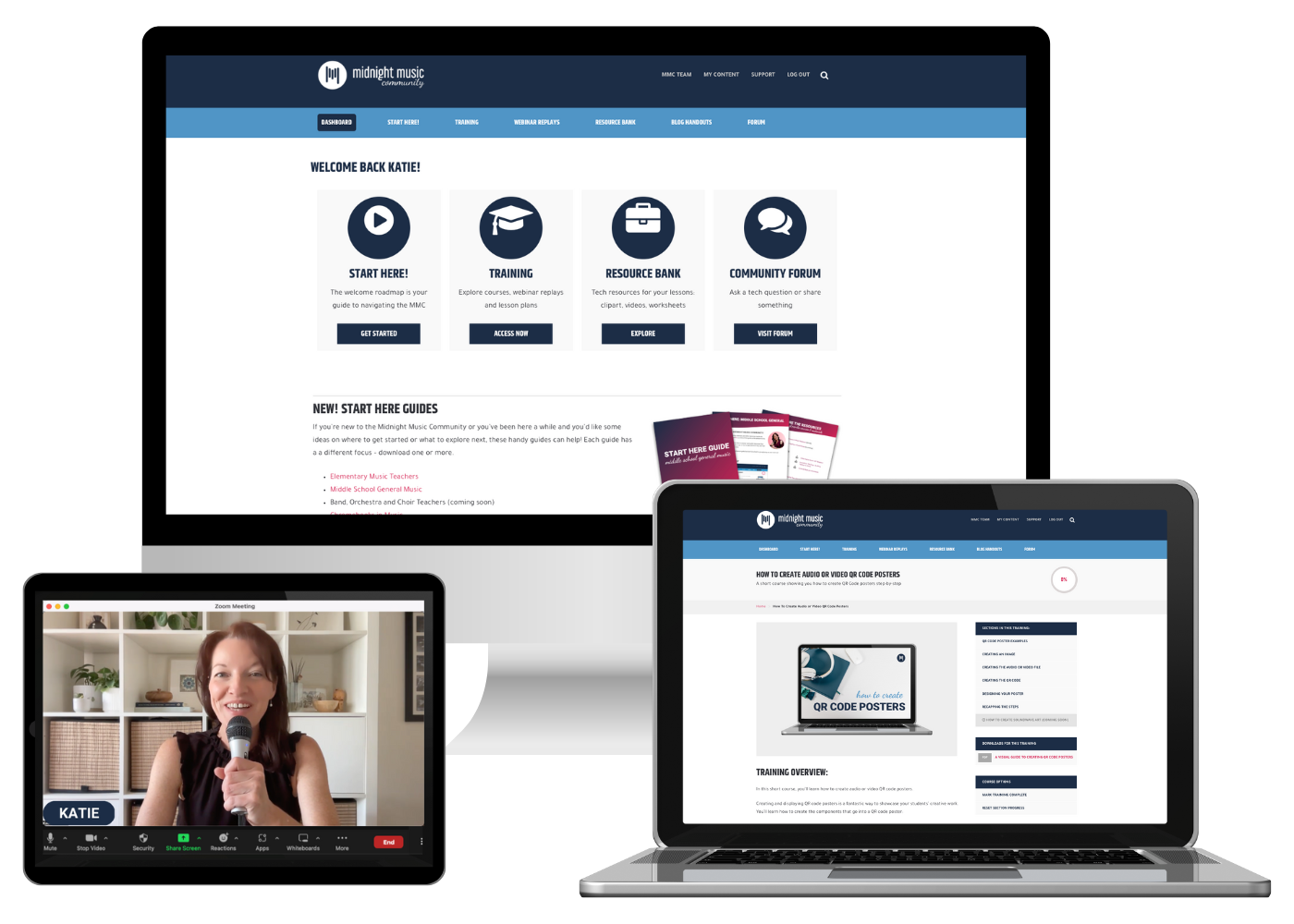
It’s designed for teachers of all skill levels – from self-proclaimed ‘technophobes’ to intermediate and advanced tech users. You’ll learn how to integrate technology into your music teaching without the stress, so you can boost classroom outcomes, engage your students on a deeper level, and inspire a lifelong love of music!
If you want simple, effective ideas for using technology in music education, I would LOVE to help you inside the Midnight Music Community.


![Emoji Quiz_ Holiday Songs [New Update!]](https://midnightmusic.com/wp-content/webp-express/webp-images/uploads/2019/12/Emoji-Quiz_-Holiday-Songs-New-Update.png.webp)
One Comment
This was useful thanks! One immediately useful application for me was to capture a couple of trills with grace notes at the end of the bar. This is not easily done in Sibelius (unless I’ve missed something!). I had to install the “Create Trailing Pseudo Grace Notes” plug-in, then apply it to the particular length notes I needed trilled in that way. But from now I’ll just need to grab it from the ideas panel! 🙂