

Sibelius tutorials for educators (continued)
This is the second part in a series of posts that feature Sibelius tutorial videos that I created especially for educators. You can links to the other parts at the bottom of this post.
Part 2: The Automatic Compositional Diary
The second video in the series looks at how you can use the Versions feature in Sibelius to create an automatic compositional diary. Sibelius’s Versions feature allows you to save milestones during the compositional or arranging process, including the following:
- Naming the version and adding comments
- Viewing Versions
- What you can do with Versions
- Comparing Versions
- Edit Versions dialog
- Export a log of changes
- Auto-saving versions
Free downloadable Sibelius shortcuts list
Download a handy Sibelius shortcuts list that will help you and your students work more efficiently. Click on the button below to download a copy of the shortcuts. It will be sent straight to your email inbox.
DOWNLOAD SHORTCUTS LIST
Other parts in this series
- Part 1 Organise, Analyse and Collaborate
- Part 2 The Automatic Compositional Diary (you are here)
- Part 3 Creating Quality Audio Files and Backing Tracks
- Part 4 All About Graphics
- Part 5 The Digital Notation Scrapbook
Want more resources for music tech teachers?
Hello! I’m Katie Argyle – an Australian music technology trainer and consultant with a passion for helping music teachers through my business Midnight Music. Yes – I’m a qualified teacher but I don’t currently teach in a school. I help teachers through the Midnight Music Membership Community– a go-to online hub for tech-focussed professional development.
The Midnight Music Membership Community features:
- step-by-step training
- world-class online courses
- bite-sized learning through digital badges
- creative lesson ideas
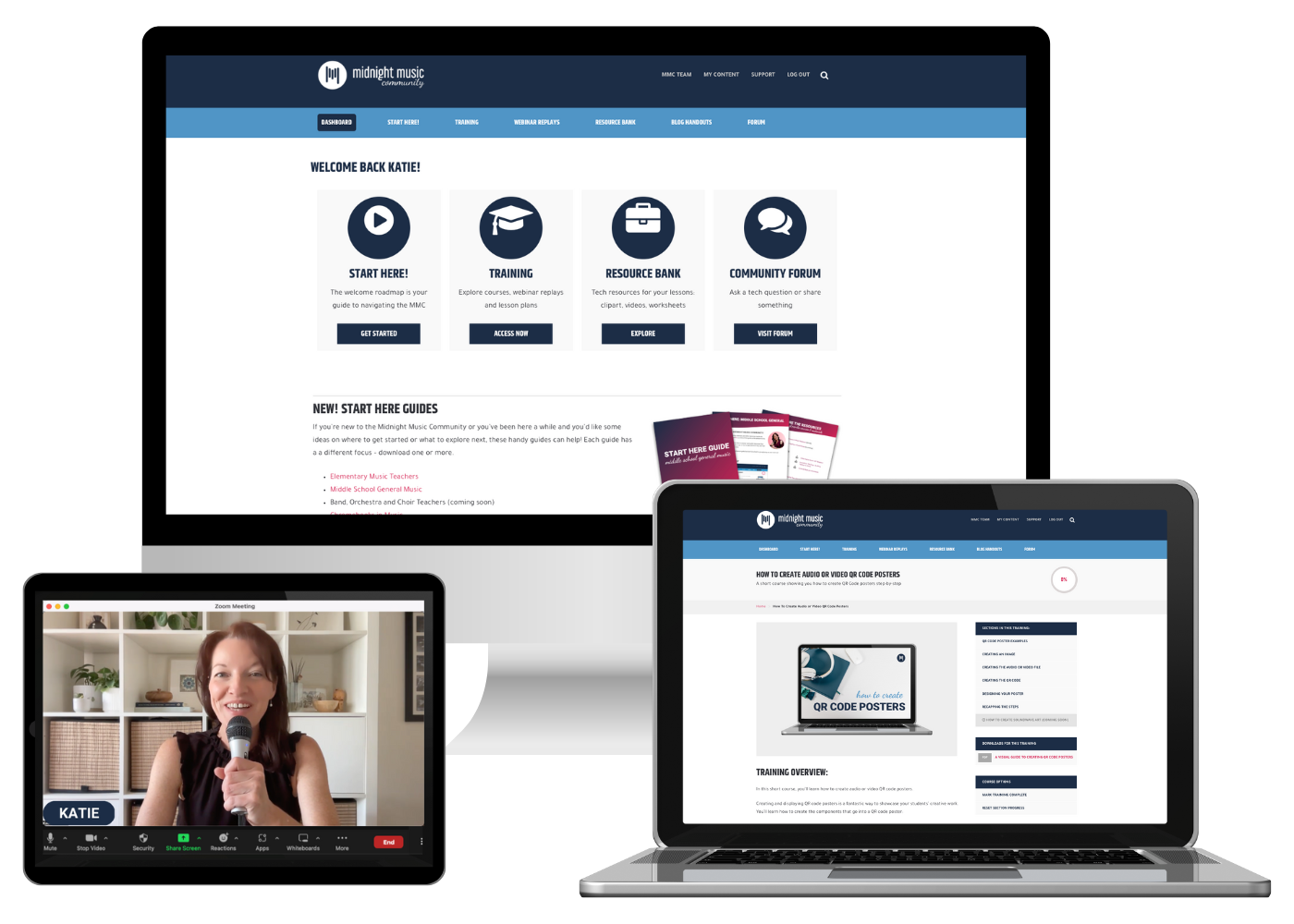
It’s designed for teachers of all skill levels – from self-proclaimed ‘technophobes’ to intermediate and advanced tech users. You’ll learn how to integrate technology into your music teaching without the stress, so you can boost classroom outcomes, engage your students on a deeper level, and inspire a lifelong love of music!
If you want simple, effective ideas for using technology in music education, I would LOVE to help you inside the Midnight Music Community.


2 Comments
Hi Katie. I have a digital yamaha piano with a midi connection. All I want to do is compose. I’m not very good with technology but I’d love to be able to simply connect it to my computer and have a programme that could convert my pieces into sheet music. Any advice gratefully accepted. Thank you so much. Li I is
Hi Lisa – yes, you can do that with notation software like Sibelius or Finale or even Noteflight (which is an online software option). I use Sibelius and created this tutorial video a few years ago showing how it works. You could watch that to get an idea. If you already have Sibelius, that video was created with an older version but the steps are basically the same (the screen might look a bit different!).